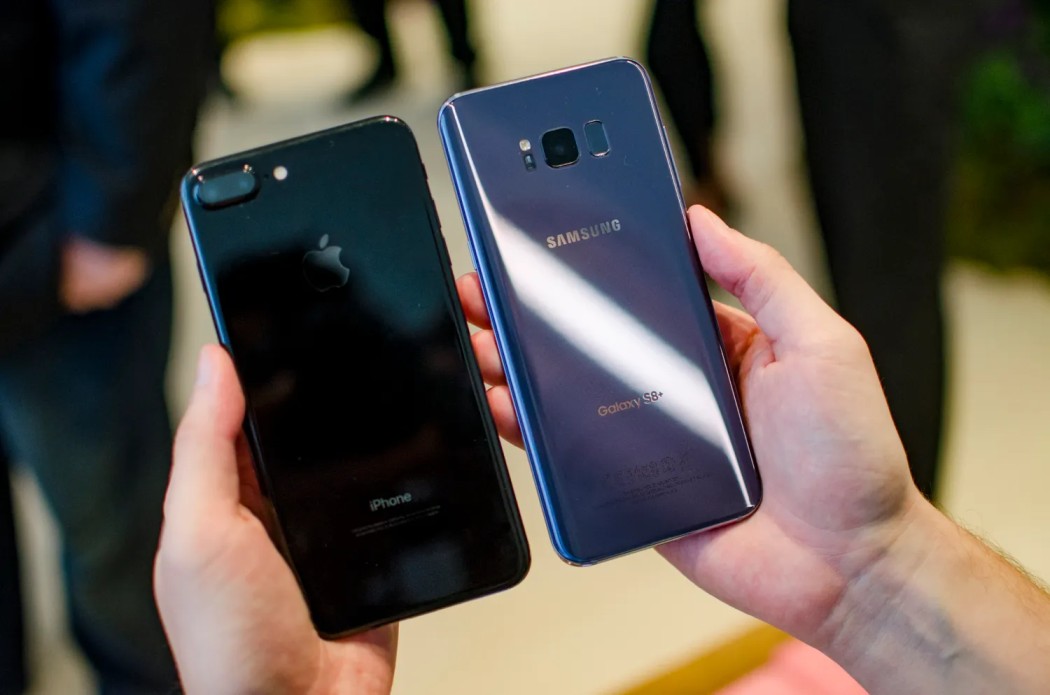
Discovering that your Samsung Galaxy S8 Plus is not charging can be a frustrating experience. It’s natural to feel alarmed and jump to conclusions about a potential hardware issue. However, before assuming the worst, it’s crucial to troubleshoot the problem and determine if it’s a minor glitch or a more serious problem. At HelloTech, we specialize in providing expert assistance and solutions for all your Samsung Galaxy S8 Plus charging issues. In this article, we will guide you through the troubleshooting process to help you identify and resolve the charging issue with your Samsung Galaxy S8 Plus.
Ensure You’re Using the Original Charger and USB Cable
One of the first steps in troubleshooting your Samsung Galaxy S8 Plus charging issue is to ensure that you are using the original charger and USB cable that came with the device. Using third-party chargers or cables may not provide the necessary power output or compatibility, leading to charging problems. At Hellotech, we have a wide range of genuine Samsung chargers and cables that are specifically designed for your Samsung Galaxy S8 Plus. Our experts can help you choose the right charger and cable and ensure that they are in perfect working condition.
Boot in Safe Mode and Attempt Charging
If your Samsung Galaxy S8 Plus is still powered on and capable of being rebooted, trying to boot it in safe mode can help identify any third-party applications that may be causing the charging problem. Safe mode disables these applications, allowing you to determine if they are the root cause of the issue. Our team at Hellotech can guide you through the process of booting your device in safe mode and help you identify the problematic app. We can assist you in removing recently installed apps or performing a factory reset to resolve the charging issue.
Troubleshooting for a Malfunction or System Crash
In some cases, your Samsung Galaxy S8 Plus may experience a system crash, resulting in a black screen and unresponsiveness to charging or any actions. Troubleshooting becomes critical in such situations. At Hellotech, our experienced technicians are well-equipped to handle system crashes and malfunctions. We can guide you through performing a hard reset by pressing and holding the power button and volume down button simultaneously. If this doesn’t resolve the issue, we can provide professional assistance or help you contact Samsung support for further guidance.
Hardware Repair
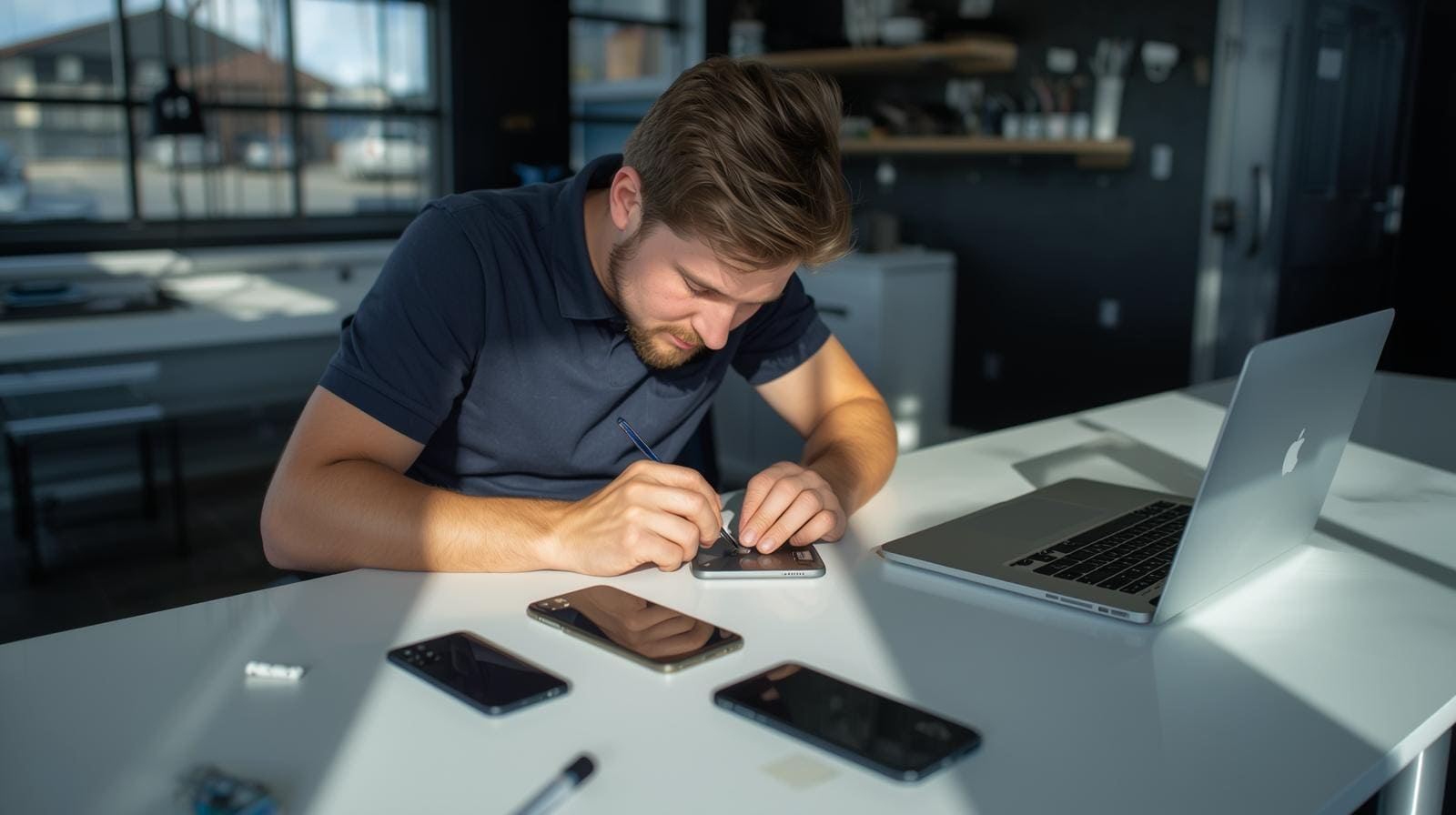
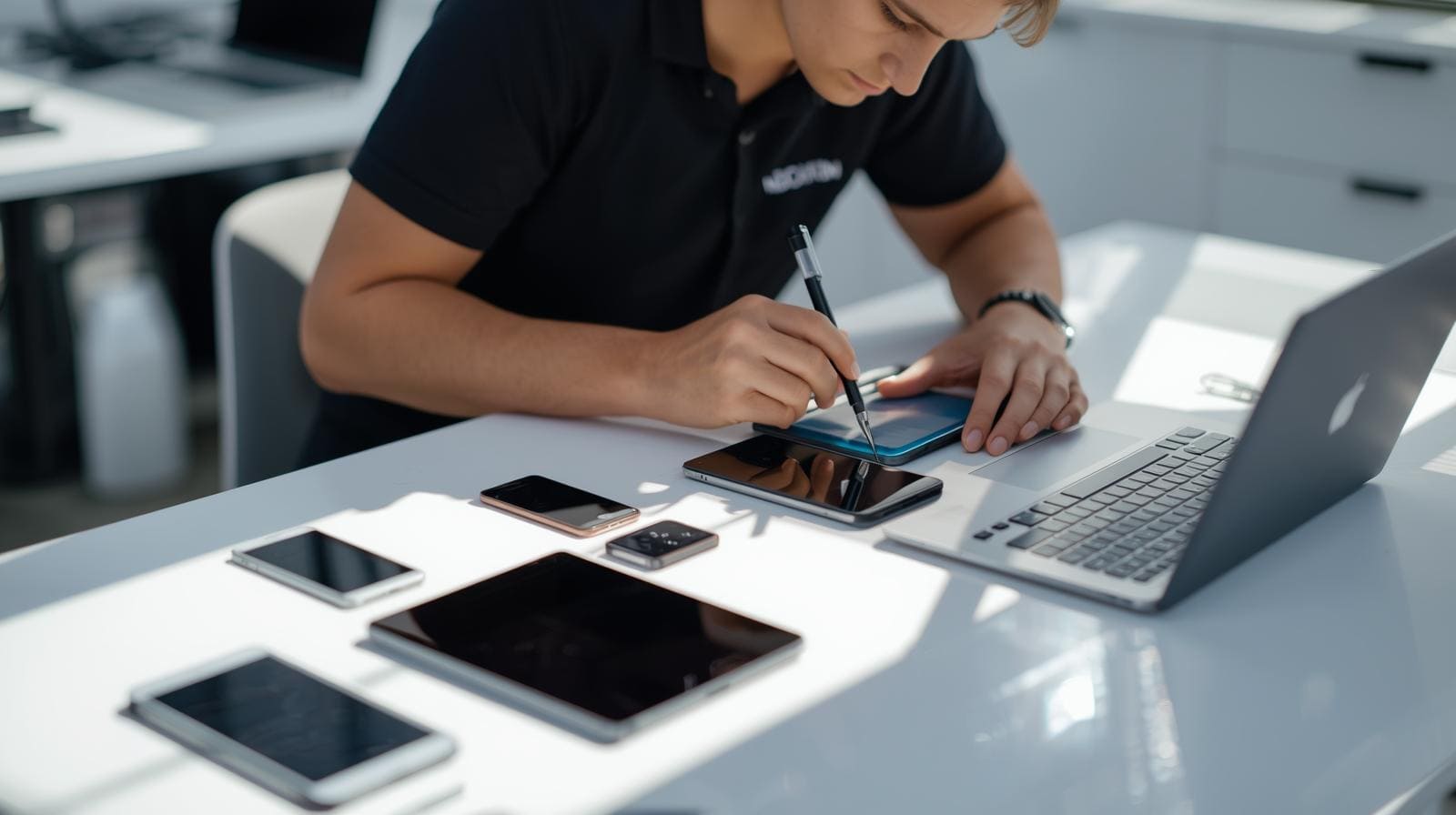
If none of the previous troubleshooting steps have resolved the charging problem, it’s possible that a hardware component needs repair. At Hellotech, we have a team of skilled technicians who specialize in Samsung device repairs. We can help you with the necessary steps to repair the charging PMIC (Power Management Integrated Circuit) in your Samsung Galaxy S8 Plus. Our technicians will carefully disconnect the charging cable, separate the I/O daughterboard and battery from the motherboard, and remove the rear camera. With precise techniques and high-quality equipment, we will repair or replace the charging PMIC to ensure your device charges properly.
Conclusion
Troubleshooting a Samsung Galaxy S8 Plus that is not charging can be a complex process, requiring patience and careful examination of various factors. At Hellotech, we understand the frustration and inconvenience caused by charging issues. Our team of experts is dedicated to providing you with the best solutions and assistance for all your Samsung Galaxy S8 Plus charging problems. Whether it’s a minor software glitch or a hardware issue, we have the knowledge and expertise to resolve it. If the problem persists, don’t hesitate to consult our professional technicians or contact Samsung support for further assistance. Trust Hellotech to keep your Samsung Galaxy S8 Plus charging smoothly and efficiently.