
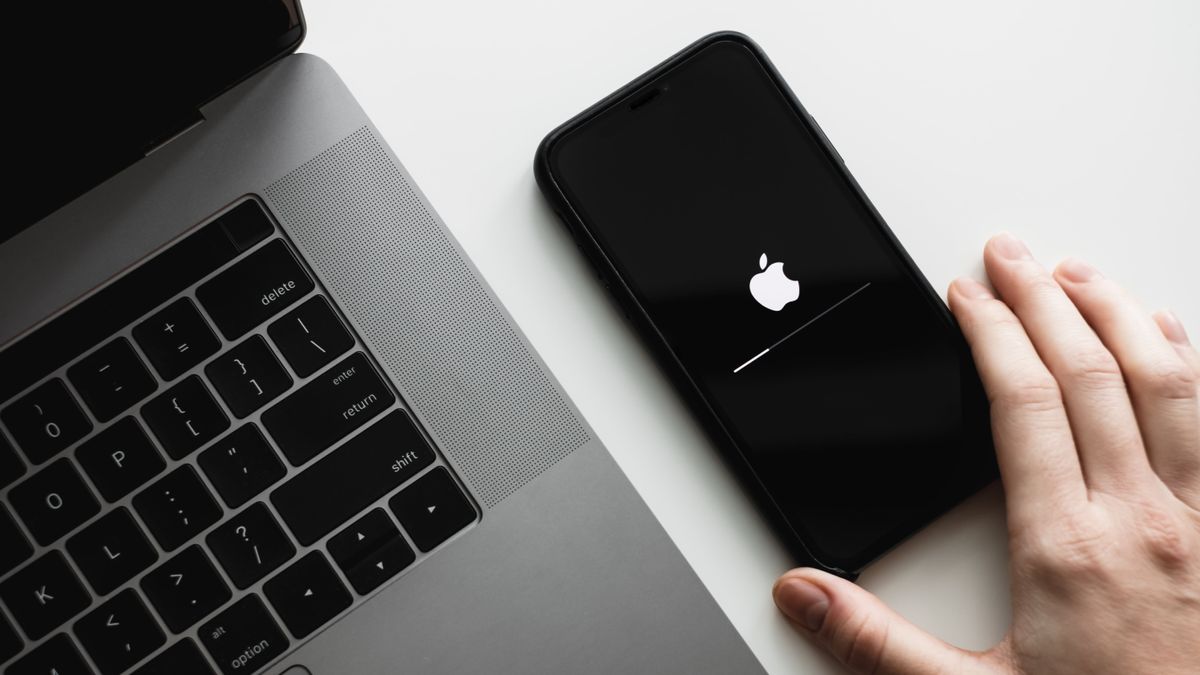
There is a common misconception that updating your iPhone with the latest iOS version is unnecessary. However, every update brings important improvements that can enhance your device’s performance and security. At Hellotech , we understand the importance of staying up-to-date. In this article, we will debunk the myths surrounding iPhone updates and provide you with quick and simple fixes to ensure a seamless update process. From troubleshooting tips to professional services, we have you covered. Don’t miss out on the fantastic features and bug fixes that come with each update!
The Benefits of Updating Your iPhone
Contrary to popular belief, updating your iPhone to the latest iOS version offers numerous benefits that can significantly enhance your device’s functionality. With each update, you gain access to new features and design improvements that can transform your iPhone experience. For example, upgrading to iOS 14 enables you to customize your device in ways that were previously unavailable. Additionally, updates often address security flaws and bugs, ensuring that your device remains protected against potential threats. By keeping your iPhone updated, you can enjoy a smoother and more reliable performance.
Troubleshooting Tips for iPhone Update Issues
If you encounter difficulties during the update process, follow these simple troubleshooting tips to ensure a successful update:
- Keep your iPhone fully charged: Before initiating an update, ensure your device has at least 50% battery to prevent interruptions. Connecting your iPhone to a power source during the update is also recommended to avoid any unexpected shutdowns.
- Check compatibility: Older iPhone models may not be compatible with the latest iOS update. Visit Apple’s official website to confirm compatibility.The list of iPhone models that work with the most recent iOS upgrade may be found here. If your device is not on the list, it means you won’t be able to upgrade to the latest version.
- Verify storage space: Insufficient storage space can hinder the update process. Navigate to Settings > General > iPhone Storage to see how much storage you have available. This is where you can view the amount of storage on your smartphone. You can free up storage by deleting unnecessary apps, pictures, or videos if you don’t have enough.
- Force restart: If your iPhone experiences minor issues during the update, performing a force restart can help resolve them. To force restart your iPhone, press and hold the power button and the volume down button (or the home button for older models) simultaneously until you see the Apple logo. Let your iPhone restart by releasing the buttons. Afterward, try updating the software again.
- Stable internet connection: A fast and stable internet connection is essential for a successful update. Ensure that you are linked to a dependable Wi-Fi network before starting the upgrade procedure. Avoid using cellular data as it may lead to slow downloads or interruptions during the update.
- Reset network settings: If you are still facing issues with the update, you can try resetting your network settings. Select Settings > General > Reset > Reset Network Settings from the menu. Keep in mind that this will remove saved Wi-Fi networks, so you will need to reconnect to them afterward.
- If nothing works, try updating via iTunes: If you are still unable to update your iPhone, you can try updating it using iTunes on your computer. After connecting your iPhone to your PC, launch iTunes. Select your device, go to the Summary tab, and click on “Check for Update.” Follow the on-screen instructions to update your iPhone.
Professional Assistance at Hellotech
If you have tried the troubleshooting tips and still face issues with updating your iPhone, the experts at Hellotech can provide the necessary solutions. Stay ahead of the game and enjoy the full potential of your iPhone by keeping it updated. Don’t miss out on the incredible benefits that each new iOS version brings.