A complete guide for students, business owners, and everyday users in Queenstown, NZ.
In today’s digital world, our laptops are essential for work, study, entertainment, and communication. When a laptop suddenly slows down, refuses to charge, or suffers physical damage, it can disrupt everything – especially in Queenstown, where many people rely on their devices for remote work, tourism business operations, and academic studies.
At Hello Tech, we help hundreds of customers every year with quick and affordable Laptop Repair in Queenstown, and we’ve identified the issues we see most often. Here are the top five common laptop problems and what you can do to fix them.
1. Slow or Freezing Laptop
Nothing is more frustrating than a laptop that takes forever to load programs. This problem is usually caused by:
- Low RAM or old hardware
- Too many background programs
- Failing hard drive
- Viruses or malware
Solutions
- Remove unnecessary startup applications
- Upgrade to SSD storage and additional RAM
- Run antivirus scans
- Book a professional performance service
At Hello Tech, we offer performance optimization and upgrades that can make an old laptop feel brand new.
2. Broken or Cracked Laptop Screen
Accidents happen – laptops fall, get sat on, or crack during travel around tourist spots in Queenstown.
Signs You Need Screen Repair
- Flickering or black patches
- Lines or dead pixels
- Touch screen not responding
Solution
Screen replacement is the best option and can normally be completed within the same day.
3. Battery Not Charging or Draining Quickly
Laptop batteries naturally weaken over time. You may notice:
- The laptop shuts down suddenly
- It only works when plugged in
- It charges slowly or not at all
Solution
- Try another charger to test the port
- Replace the battery if it’s swollen or failing
- Repair the charging port if it’s loose or damaged
We provide battery replacements and power system repairs for all major brands.
4. Overheating & Loud Fan Noise
Dust, blocked air vents, and internal hardware issues cause overheating – a common problem for NZ students and remote workers using laptops daily.
Solution
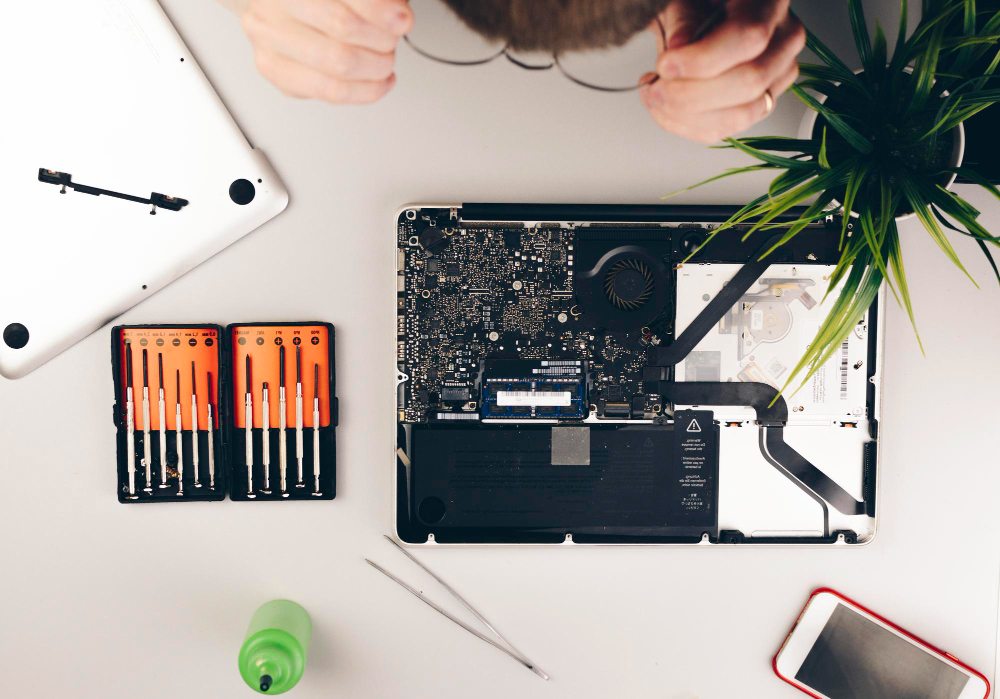
- Internal cleaning and thermal paste replacement
- Fan replacement if required
- Use a cooling pad to extend performance
Professional servicing can prevent motherboard damage.
5. Keyboard or Trackpad Not Working
Spills, drops, or hardware wear can cause keys to become unresponsive or trackpads to stop functioning.
Solution
- Keyboard replacement
- Motherboard connector repairs
- Diagnostic testing for liquid damage
When Should You Repair Instead of Replace?
Choosing repair is smarter when:
✔ Repair costs less than 50% of a new laptop
✔ Data recovery is important
✔ You prefer environmentally friendly e-waste reduction
Most repairs are cheaper and faster than replacing a device – especially through local service.
Choose the Best Laptop Repair in Queenstown
At Hello Tech, we offer:
- Same-day laptop repair options
- Free consultation & diagnosis
- Repairs for ALL laptop brands
- Local trusted technicians
📞 Call: +64 27 788 1000