According to Hello Tech, There are several ways to extend the battery life of your smartphone every day. By implementing these strategies, you can ensure that your phone stays powered for longer periods between charges. Here are some tips to help you add extra battery life to your phone:
Adjust Screen Brightness:
Reduce your screen brightness to a level that is comfortable for your environment. The brighter the screen, the more battery it consumes.
Use Adaptive Brightness:
Enable adaptive or auto-brightness settings, which adjust your screen’s brightness based on your surroundings.
Set a Shorter Screen Timeout:
Set a shorter screen timeout so that your phone’s display turns off more quickly when not in use.
Use Dark Mode:
Many modern phones offer a dark mode feature that can save battery on OLED and AMOLED screens by using less power to display dark colors.
Close Background Apps:
Manually close apps running in the background, especially resource-intensive ones, to prevent unnecessary battery drain.
Disable Unnecessary Push Notifications:
Turn off push notifications for apps that don’t require immediate attention. This can reduce the frequency at which your phone’s screen turns on.
se Battery Saver Mode:
Most smartphones have a battery saver mode that can limit background processes and reduce power consumption when your battery is low.
Manage Location Services:
Turn off location services when not needed, or set apps to use location only while the app is in use.
Disable Wi-Fi, Bluetooth, and Mobile Data:
Turn off Wi-Fi, Bluetooth, and mobile data when you’re not actively using them to prevent constant background scanning.
Update Apps and Operating System:
Keep your apps and phone’s operating system up to date. Developers often release updates that optimize battery performance.
Reduce Push Email Sync Frequency:
Set your email app to fetch new messages less frequently or manually, rather than using push email, which can drain your battery.
Optimize App Settings:
Review the settings of individual apps and disable features that you don’t need, such as background refresh or auto-play videos.
Use Airplane Mode When Appropriate:
When you’re in an area with poor cellular coverage, consider switching to airplane mode to save battery, as your phone uses more power searching for a signal.
Turn Off Vibration:
Use ringtone alerts instead of vibrations, as vibrations consume more battery.
Uninstall Unused Apps:
Periodically remove apps that you no longer use to free up storage space and reduce background processes.
Carry a Portable Charger:
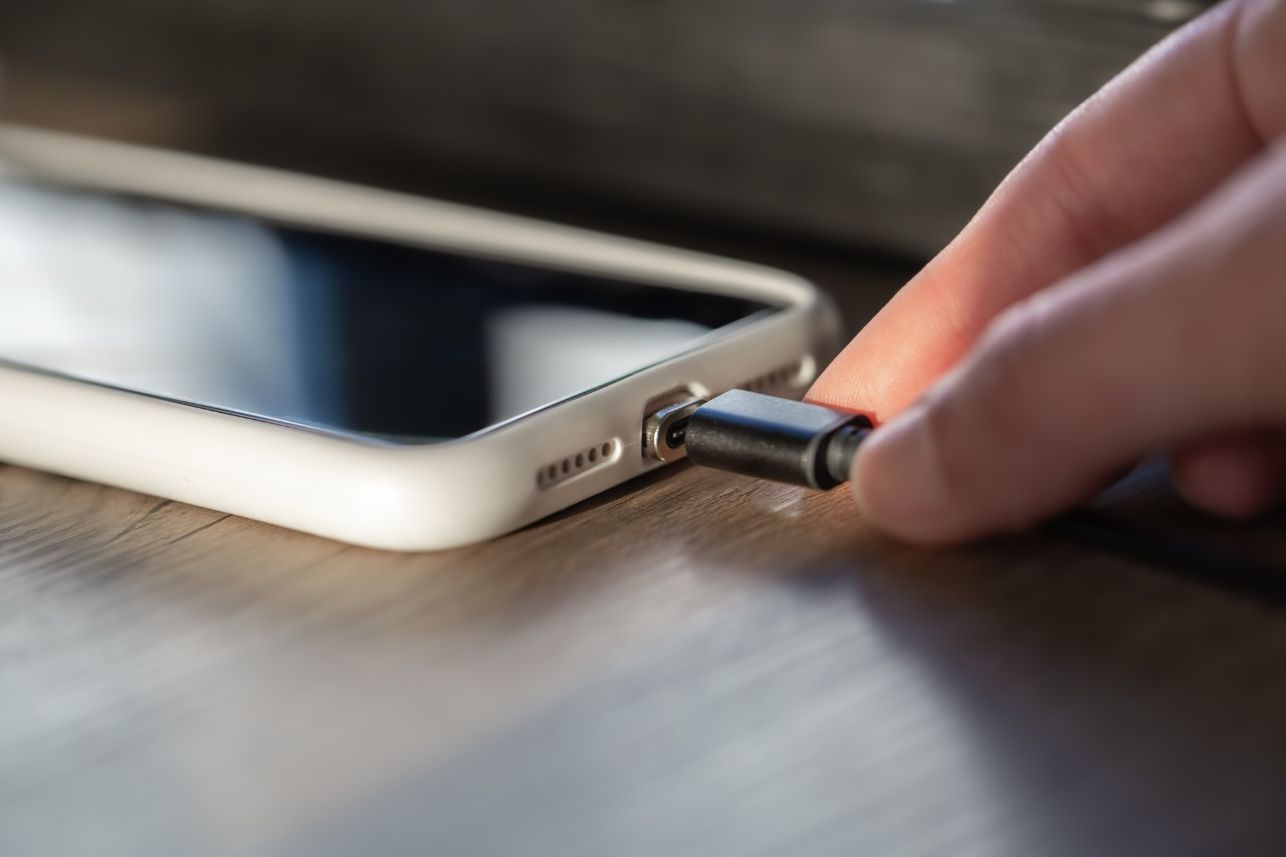
Invest in a portable charger or power bank to recharge your phone on the go.
Monitor Battery Usage:
Keep an eye on your phone’s battery usage statistics to identify power-hungry apps or services.
Reduce Widgets and Live Wallpapers:
Limit the use of widgets and live wallpapers, as they can consume battery by constantly updating.
Keep Your Phone Cool:
Avoid exposing your phone to high temperatures, as excessive heat can degrade the battery over time.
By following these tips, you can help extend the battery life of your phone and ensure it lasts throughout the day with ease. Keep in mind that the effectiveness of these methods may vary depending on your specific phone model and usage patterns.