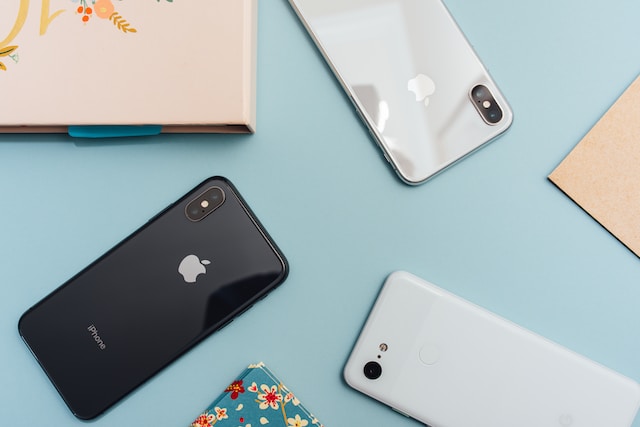
Smartphone users have been debating whether iPhones slow down over time, much like their Android counterparts. While some contend that Apple gadgets maintain their speed and effectiveness over time, others assert that after a few years of use, their performance starts to noticeably deteriorate. This article will examine the causes of iPhone slowdowns and provide you instructions on how to resolve the issue.
iPhone vs. Android: A Common Misconception:
Before we begin discussing the steps to address a potentially slow iPhone, it is important to clarify a common misunderstanding. While certain Android devices may encounter performance issues caused by different factors, Apple devices have generally been less susceptible to such problems. The iOS by Apple is created to provide a seamless and consistent user experience across all their products.
Why iPhones May Slow Down?
Although iPhones are generally known for their strong performance, they can still slow down as time goes on. The iphone slowdowns can be caused by a mix of factors.
- Software Updates: The latest iOS updates are created to work best on the latest hardware. Some older iPhone models might have difficulty meeting the requirements of the recent software updates.
- Battery Degradation: As an iPhone’s battery gets older, it may not be able to provide power as effectively, which can result in performance adjustments to avoid sudden shutdowns.
- App Compatibility: Certain apps may not function as well on older iPhone models because of their hardware limitations.
Steps to Fix iPhone Slowdown
If you have noticed that your iPhone is not performing as well as it used to, here are some steps you can take to help improve its speed:
- Keep iOS Updated: Make sure your iPhone has the most recent iOS version installed. Updates from Apple frequently come with performance improvements.
- Free Up Storage: Remove apps, photos, and files that are not needed to create more space. Having a device that is cluttered can cause it to slow down.
- Manage Background Applications: To prevent unnecessary updates, you can go to Settings, then General, and finally Background App Refresh. From there, you can disable this feature for apps that do not require constant updates.
- Reset Settings: If your iPhone is still slow, you can try resetting all settings by going to Settings > General > Reset > Reset All Settings.
- Battery Health: You can check the health of your battery by going to Settings, then Battery, and selecting Battery Health. If the quality has significantly decreased, you should think about replacing it.
- Decrease Transparency and Motion: In the Accessibility settings, you can decrease transparency and motion to improve performance.
- Factory Reset: If everyone else fails, you can try doing a factory reset on your iPhone and then restore it using a backup. Make sure to create a backup of your data beforehand.
Conclusion
Although iPhones typically retain their performance better than Android devices, they can still experience slowdowns over time due to different factors. To keep your iPhone running smoothly and efficiently for a long time, just follow the steps mentioned above and get help from professionals like HelloTech . Don’t get frustrated by slowdowns; take steps to keep your iPhone running smoothly.