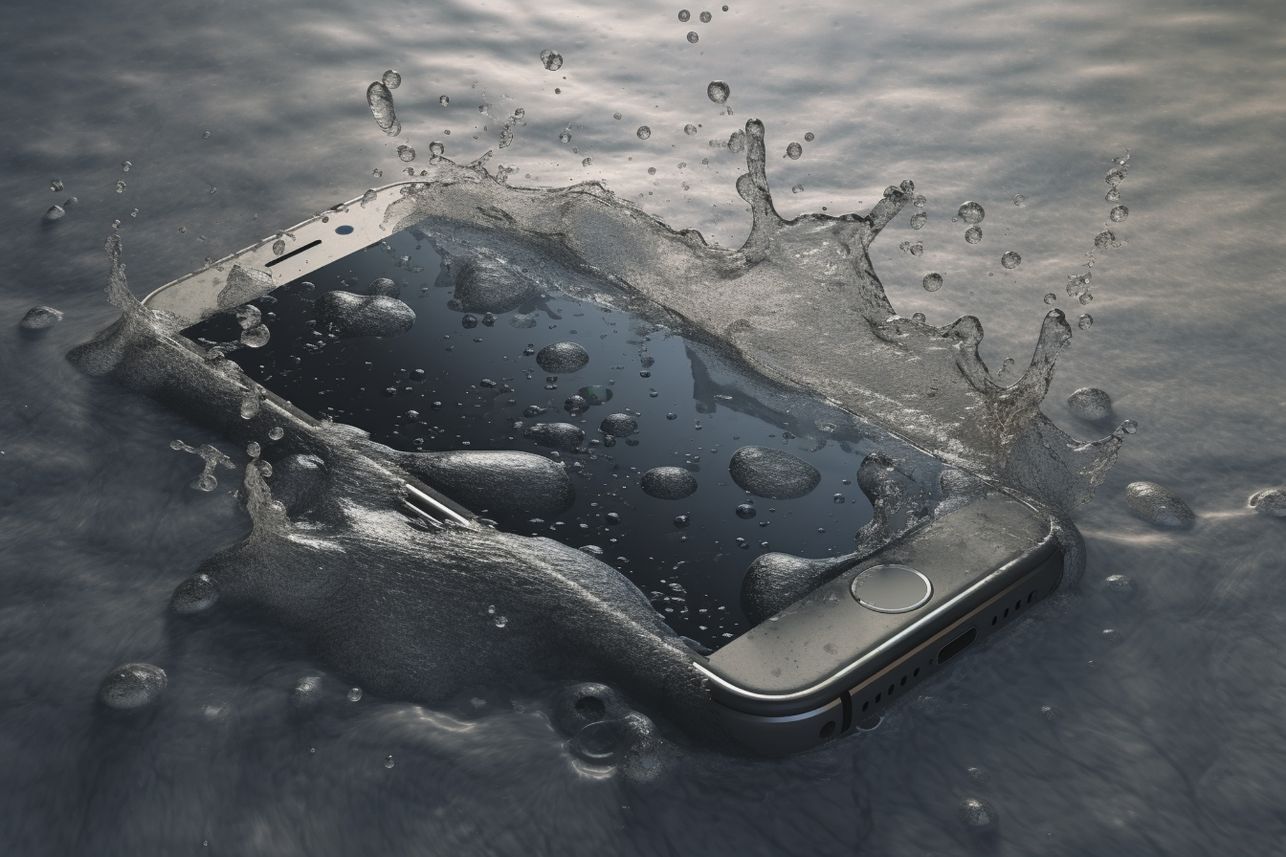
Water damage is a common issue that many smartphone users face. Accidents happen, and it’s important to know how to handle them when they occur. Accidentally dropping your iPhone in water can be a stressful situation, but don’t panic just yet. Welcome to this comprehensive guide on Hellotech, where we will explore the various solutions available to fix iphone water damage At Hellotech, our goal is to provide you with valuable insights on how to effectively tackle this situation.
Assess the Extent of iPhone Water Damage
The initial step in dealing with water damage is to evaluate the extent of the problem. At HelloTech, we understand that exposure to water can cause different levels of damage. Here’s how you can assess the damage:
- Visible Moisture: Make sure to inspect the device’s exterior and ports for any visible signs of moisture.
- Screen Functionality: Troubleshoot steps to turn on your iPhone. If your screen is unresponsive, it could be a sign of internal damage.
- Speaker and Microphone: If you’re experiencing distorted sound or no sound at all, it could be a sign of water damage.
- Battery Life: Keep track of your device’s battery life. Rapid drainage could be an indication of underlying internal problems.
Power Off and Remove Components
Immediate response to exposure to water is crucial. To prevent further iphone water damage, take the following measures:
- Switch Off: If your iPhone is on, turn it off promptly to prevent a short circuit.
- Remove Case and SIM Card: Remove the case and SIM card tray to enable adequate airflow and drying.
- Open ports: Shake the device gently to remove excess water from the terminals and connectors.
Dry the iPhone Properly
To stop corrosion and additional iphone water damage, drying your iPhone is a crucial step. But it’s crucial to execute it properly:
- Air Dry: Place your iPhone at room temperature in a dry, well-ventilated place. Avoid using heat sources like hair dryers since too much heat might be harmful.
- Desiccant Packs or Silica Gel: To help absorb moisture more efficiently, you can put your iPhone in a container with desiccant packs or silica gel.
Wait and Test
It’s time to test your iPhone‘s functioning after letting it dry for at least 24 to 48 hours:
- Power On: Try turning your iPhone on. It’s a positive sign if it starts up and runs smoothly. But make sure to keep testing carefully.
- Test All Features: Check the functionality of the touchscreen, buttons, cameras, speakers, and other parts.
- Check Sensors: Check to see whether any water damage indications on your iPhone, such as a Liquid Contact Indicator, are turned on. This can assist technicians and you in determining water exposure.
Seek Professional Help by HelloTech
Seeking professional help from HelloTech is a crucial step in the process of dealing with iPhone water damage. If your iPhone continues to exhibit issues even after following the initial drying and assessment steps, reaching out to HelloTech’s experienced technicians becomes essential. Their expertise can diagnose and address more severe internal damage that may not be immediately visible. By turning to professionals, you increase your chances of effectively repairing your iPhone and getting it back to optimal functionality. This demonstrates the importance of expert assistance in resolving complex iphone water damage issues and underscores the value of HelloTech’s services in such situations.